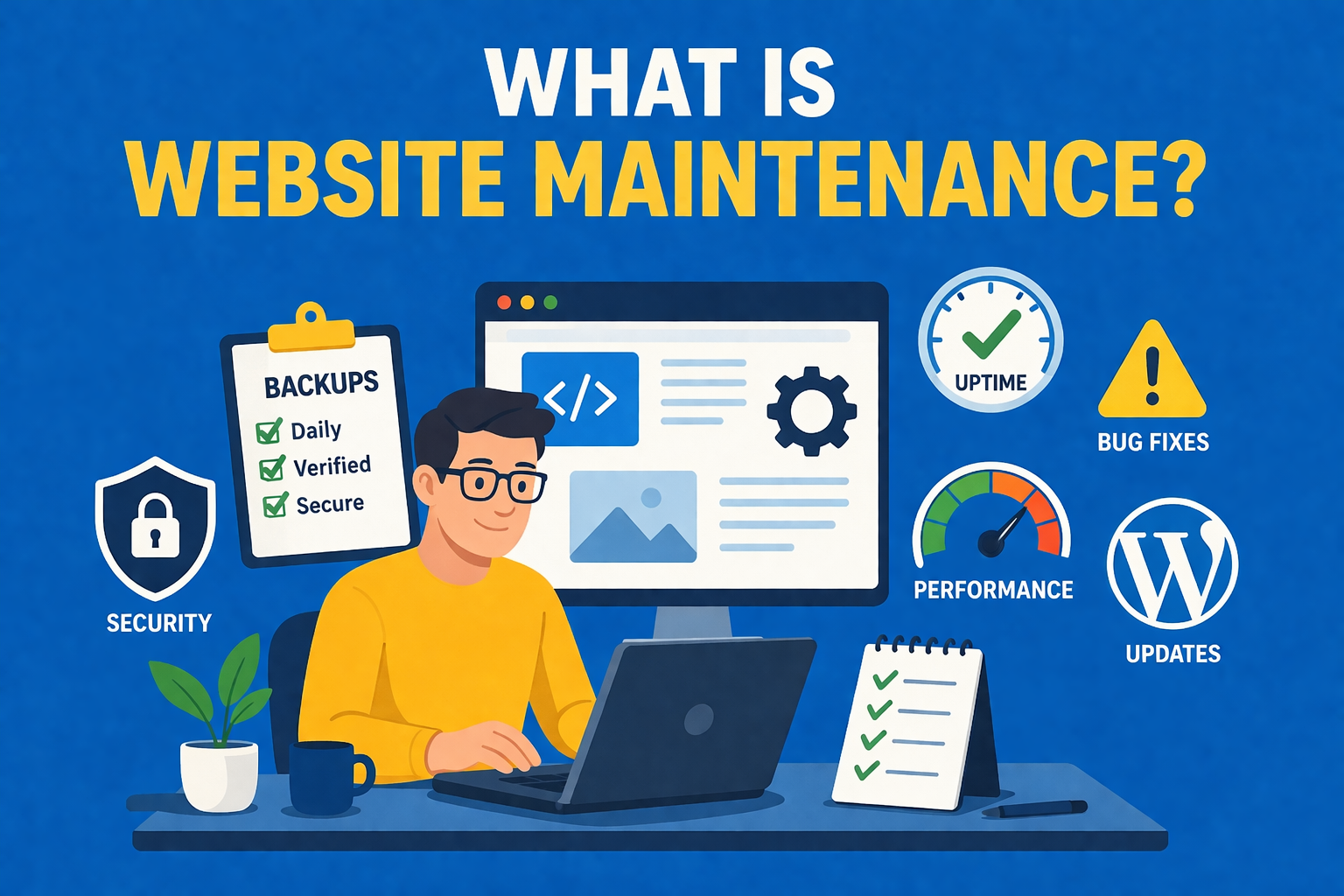
Website maintenance is the ongoing process of keeping a website secure, up to date, and functioning as intended. It involves regularly checking, updating, and optimising both the technical and content elements of a site to ensure it remains reliable, fast, and safe for users.
In practical terms, website maintenance includes tasks such as updating core software, plugins, and themes, performing regular backups, monitoring for security vulnerabilities, fixing bugs, and maintaining performance.
Without consistent maintenance, websites can become slow, insecure, or even break entirely due to outdated components or compatibility issues.
Website maintenance is not a one-time task carried out after a site is launched.
It is a continuous process that ensures your website adapts to changes in technology, user behaviour, and search engine requirements.
Regular maintenance helps prevent downtime, protects against cyber threats, and ensures that key functionality such as contact forms, checkout processes, and integrations continue to work correctly.
What Does Website Maintenance Include?
Daily Website Backups
Daily backups are essential to be able to restore your website's database and files.
Ensure that your backup provider allows you to restore individual folders of data, rather than having to do a full backup each time.
if you've got or are looking at a web host that uses cPanel this is usually available.
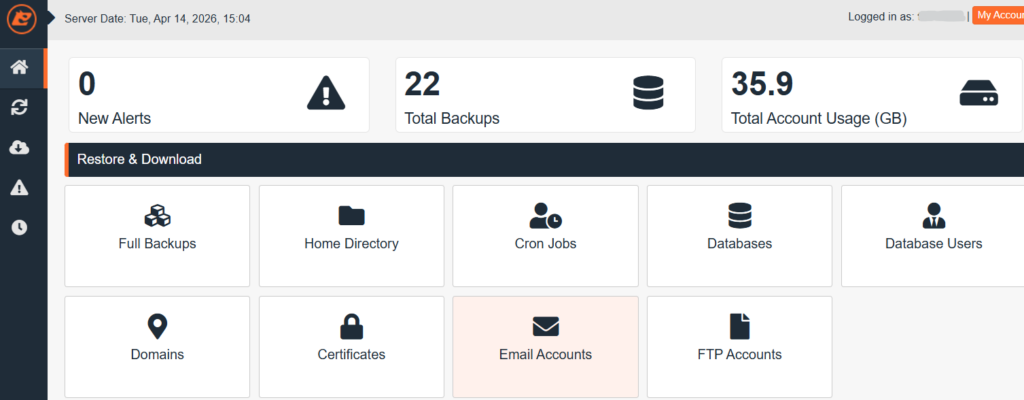
As part of your website maintenance you should be checking that the backups are successful.
There's nothing worse than needing to restore part of your website and realising your backup solution is paused!
In our experience daily backups have proven incredibly useful. One such time was when ATV North contacted us requesting our help restoring their website after 700k pages were maliciously created.
Cybersecurity
To keep your cybersecurity maintained make sure you're consistently reviewing access to your website.
If you've hired a contractor previously, remember to remove their access.
This should also include making sure people who still work for your business have the least access permissions possible to complete their role. Can they complete their role without admin access?
Ensure that you have admin login alerts enabled, then you can always keep track of who is accessing your site with elevated permissions.

Also, as part of your cyber hygiene, check what software is no longer needed, so it can't be an attack surface for vulnerabilities. This should be done monthly.
You should stay up to date with website vulnerabilities and the latest protection methods to stop new vulnerabilities catching you off guard.
We recommend checking out the OWAP Top 10 to avoid losing profit from your website being hacked:
- Broken Access Control
- Security Misconfiguration
- Software Supply Chain Failures
- Cryptographic Failures
- Injection
- Insecure Design
- Authentication Failures
- Software or Data Integrity Failures
- Security Logging and Alerting Failures
- Mishandling of Exceptional Conditions
If you're a startup and you're looking to get to grips with your website cybersecurity, make sure you check out our top 10 recommended cybersecurity actions. These are more beginner friendly actions with step-by-step tutorials for each recommended action.
Content Updates
Don't get a modern website with great functionality if you don't bother keeping your website content up to date.
Do you have an important news update from your business? Make a blog post.
Have you changed your opening hours? Make sure they're updated on your website too!
Fresh content keeps your customers coming back to your website.
If your customers see the same outdated website, they'll stop bothering to check it.
Saints Bar Durham events are uploaded to their website which we've seen bring in new customers that only knew about the events from the website promotion.
The time spent updating your website is always worth it.
Bug Fixes
Website functionality breaks for various reasons including:
- Software updates that aren't compatible with other website software.
- Editing the website and unintentionally breaking something.
- 3rd party dependencies having issues.
You need to be checking for bugs regularly on your website.
A common misconception is that if you haven't changed anything, your site will still be functional.
At a minimum you should be going through your site and checking lead forms and methods of purchase work weekly.
Misspelt emails on contact forms or typos in API keys often cause things to break.
Email Deliverability
An important step in website maintenance is to check emails are being sent from your domain to customers when they place orders or submit enquiries.
If you're looking to setup an ecommerce store, you'll know one of the key things to get right off the bat is trust.
If your customers are buying products and not getting confirmation emails it will look suspicious.
Take the time weekly to perform a test purchase or form submission, it'll pay off if your emails aren't sending.
The likely causes of emails not sending is a misconfigured form, SMTP settings or the credentials on the email account have been changed.
We use WP Email Log by Syed Balkhi to troubleshoot email issues on all of our client websites. It's a great tool and one you always wished you'd installed before the email issues occured!
Website Maintenance for WordPress
WordPress relies on a combination of core files, themes, and plugins, so regular updates and monitoring are essential to prevent issues.
WordPress sites can carry a higher cybersecurity risk due to their widespread use, as attackers often deploy automated exploits that target vulnerabilities across many sites simultaneously.
To prevent these issues, you can still use the same techniques outlined in this article, you may just have to carry them out more frequently.
An important practice for WordPress site admins is to moderate your comments found on the left panel.
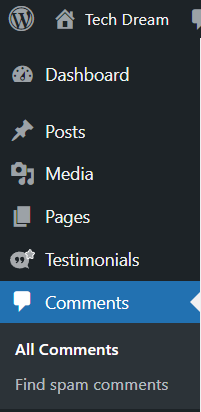
These comments can boost engagement on your blog posts. The comments by default need to be approved to prevent spam.
Why Do You Need Website Maintenance?
Protect and Improve SEO Rankings
It's important to carry out website maintenance to ensure your website is still ranking for your keywords.
If you are monitoring your keywords you'll find often that the traffic going to a blog post isn't necessarily the target audience.
In this case you should be adjusting the blog post to match the search intent. Doing this regularly with your other website maintenance ensures your website ranks well on Google.
We maintain the SEO for Mila Clothing, who saw their traffic improve and rely on us to ensure their website maintenance includes optimising for high-ranking keywords:
Amelia Wright, Mila Clothing's Founder - "Alex completed his SEO package for my business MILA Clothing. He was great to work with throughout, answering any questions I had, our traffic improved during this process and I am looking forward to seeing what it can increase to going forward"
Avoid Website Downtime
Worst case scenario is that if you're not doing any website maintenance you may not realise your website is offline!
In the case that you are doing routine maintenance this can reduce the likelihood of any downtime, as software is up to date and the website remains secure.
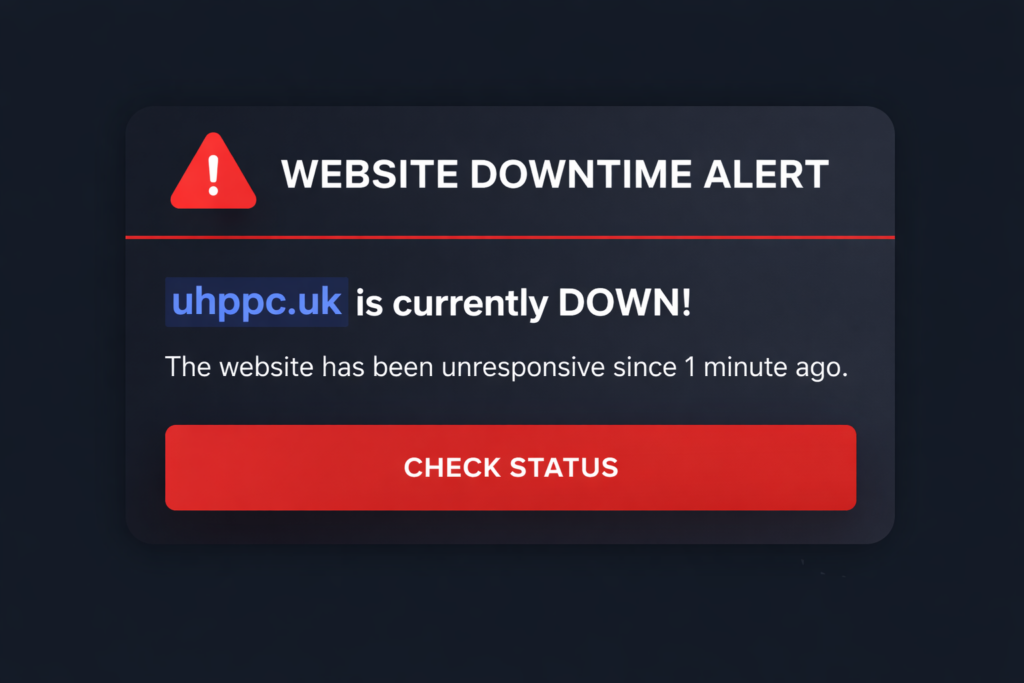
We now offer automatic downtime alerts with our maintenance packages so you're always in the loop.
Ensure Compatibility With New Software Updates
This is especially important if you rely on automatic updates.
You should be checking that your website's new software doesn't conflict with existing software.
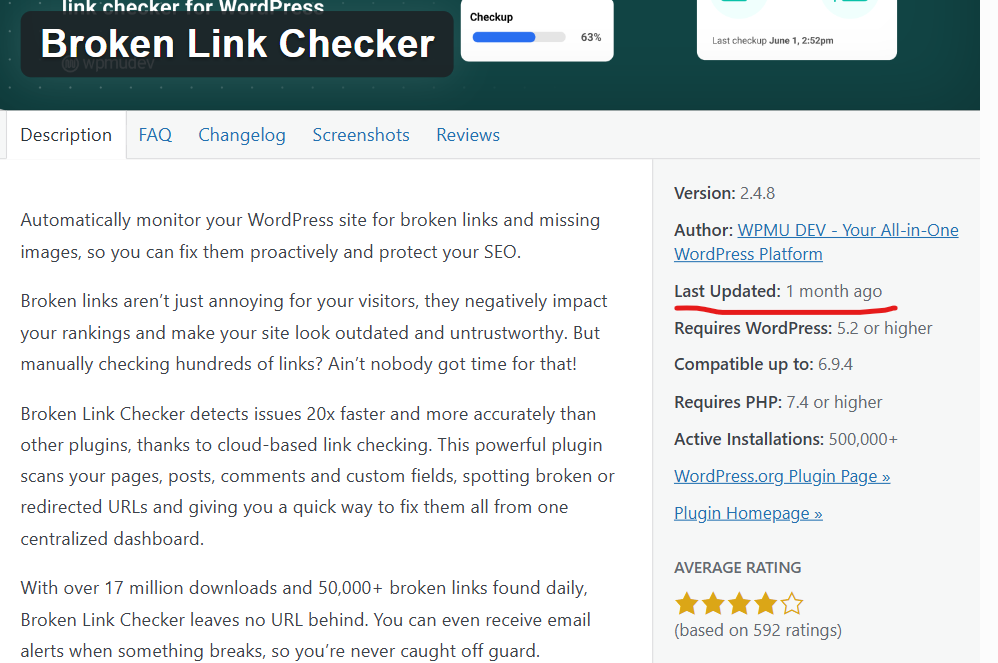
If you find a potential conflict you can check each plugin to see which one was updated most recently. This will most likely be the cause of the conflict:

Maintain Website Speed
Website speed naturally declines over time as plugins are added and the number of images & videos increase.
A slower website causes your SEO performance to drop.
Slow checkouts lead to abandoned carts and lost reputation.
Also, if a page loads too slowly because of poor maintenance your bounce rate will increase.
Users will simply give up on what brought them to the site in the fist place.
Protect Against Outdated Software Hacks
Security updates should be a high-priority for site administrators.
According to HeroDevs, "half of known exploited vulnerabilities are tied to outdated, unsupported software", making it a significant risk for website owners.
Our recommendation is to always turn on automatic updates for software and frequently check for updates on your website.
Remember, your website's security is only as strong as its weakest link.
Website Maintenance Checklist
Daily Website Maintenance Tasks
- Monitor website uptime and ensure your website is live
- Check for critical website errors or downtime issues
- Review security alerts and suspicious login activity
- Test key website functionality (contact forms, checkout, integrations)
- Monitor website availability across devices and browsers
Weekly Website Maintenance Tasks
- Safely update WordPress core, plugins, and themes
- Test updates to prevent plugin conflicts and compatibility issues
- Perform full website backups and store securely
- Run malware scans and website security checks
- Check for broken links and resolve technical errors
- Clear cache and monitor website performance
Monthly Website Maintenance Tasks
- Analyse website speed and performance (Core Web Vitals)
- Optimise images, scripts, and database performance
- Review technical SEO (indexing, crawl issues, meta data)
- Update website content and key pages
- Test forms, APIs, and third-party integrations
- Verify website backups and restore capability
Quarterly Website Maintenance Tasks
- Perform a full website audit (UX, structure, performance)
- Review internal linking and website architecture
- Evaluate hosting performance and server response times
- Conduct advanced website security checks and access audits
- Analyse user behaviour and conversion performance
- Implement website performance and UX improvements
Common Website Maintenance Mistakes
Failing to implement a trustworthy backup solution and not updating your website software is the most common mistake we see.
It's easy to think once your website is developed you can leave it alone, but that's not the case, especially with WordPress website maintenance.
Furthermore, always make sure you're checking for broken links.
A broken link is a webpage that returns a 404 error (page no longer exists), often because it was moved or deleted.
We're frequently fixing broken links for clients with our maintenance plans and it almost always results in higher ranking performance on Google. It's an easy fix, but can get out of hand if you don't keep on top of it for months.
We recommend brokenlinkcheck.com to check which URLs need to be updated.

How Often Should Website Maintenance Be Done?
We recommend that you should check your website's critical functionality (forms, payment gateways) weekly.
If you directly sell products or earn leads from your website this is non-negotiable.
For websites that just advertise your location, e.g. a cafe, you may be able to get away with doing this less frequently because website downtime won't impact you as strongly.
Larger website maintenance, such as SEO reviews should be completed monthly.
These are important to keep your progress on the right track, but you won't necessarily lose customers if you don't do this weekly.
If you can, try to use automation to reduce the workload of website maintenance. For example, try setting up automatic downtime alerts.
If you don't have time to carry out weekly checks and monthly maintenance we'd recommend you hire a professional website admin or agency to help.
How Much Does Website Maintenance Cost?
DIY Costs
The main cost for DIY website maintenance setup is that its time consuming.
The monetary cost for website maintenance is reasonably low if you aren't getting professional development included.
Typically you can expect a basic setup with keyword tracking, downtime alerts and cybersecurity features to set you back between £50 - £100 monthly.
Freelancer / Agency Costs
Most website owners tend to pass off the responsibility of website maintenance to a professional.
Often saving time and allowing them to grow their business whilst their website is taken care of.
The cost of this typically depends on what website maintenance services the freelancer or agency provide which differ from business to business.
However, you can expect a ballpark figure usually of £70 - £200 monthly, depending on how thorough their services are.
What Affects Website Maintenance Costs
A basic website maintenance plan can get you by, keeping costs low and performance steady.
Typically you'll pay a higher price for website maintenance if you opt for the following:
- Automated website uptime monitoring
- SEO keyword tracking (e.g. Ahrefs or SEM Rush)
- Development time allocation per month from a freelancer or agency
If you're looking for an experienced freelancer who can provide one-to-one care for your website. Visit our website support service.